Ryan Elroy's Coding Projects
Hello, I am Ryan! I enjoy building robots and using coding to solve real-world problems. Starting with block-based coding helped me understand how to control my robots and test new ideas. Learning robotics has strengthened my problem-solving and critical-thinking skills, because I have to break big challenges into smaller steps and troubleshoot when things don’t work as expected. It has also taught me patience and creativity, since designing, building, and programming robots often requires multiple experiments and improvements. Through robotics, I’m learning how software and hardware work together, which helps me better understand technology and how it can be used to make everyday tasks easier and more efficient.
Bumper Car
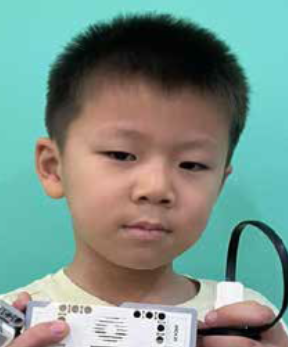
I learned how to use LEGO Technic parts to design and build functional mechanical systems. By applying coding concepts such as conditionals (if-else) and integrating various sensors, I programmed my creations to respond dynamically to their environment. One example was a bumper car that automatically reverses when its front touch sensor detects a collision—mimicking real-world applications of obstacle detection used in autonomous vehicles and robotic systems to enhance safety and navigation.
Ultrasonic Activated Tractor
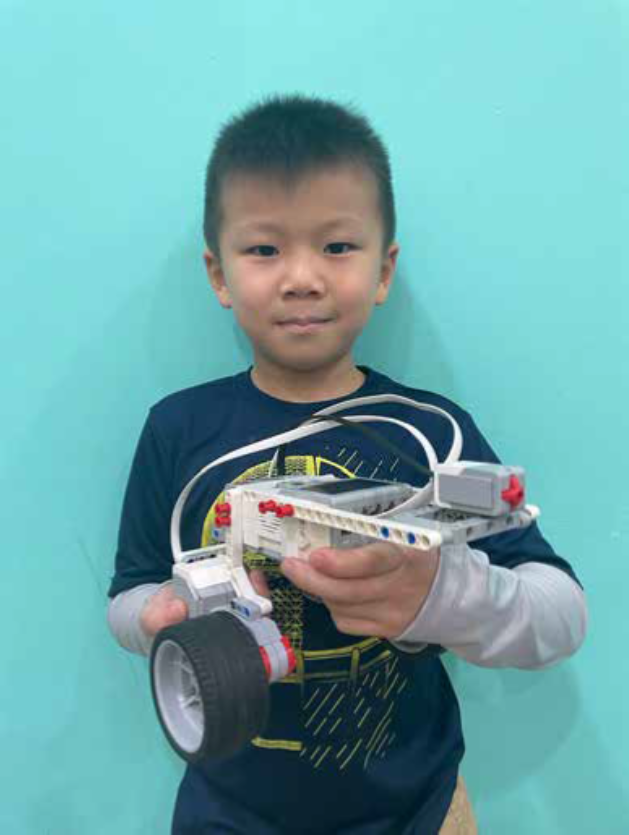
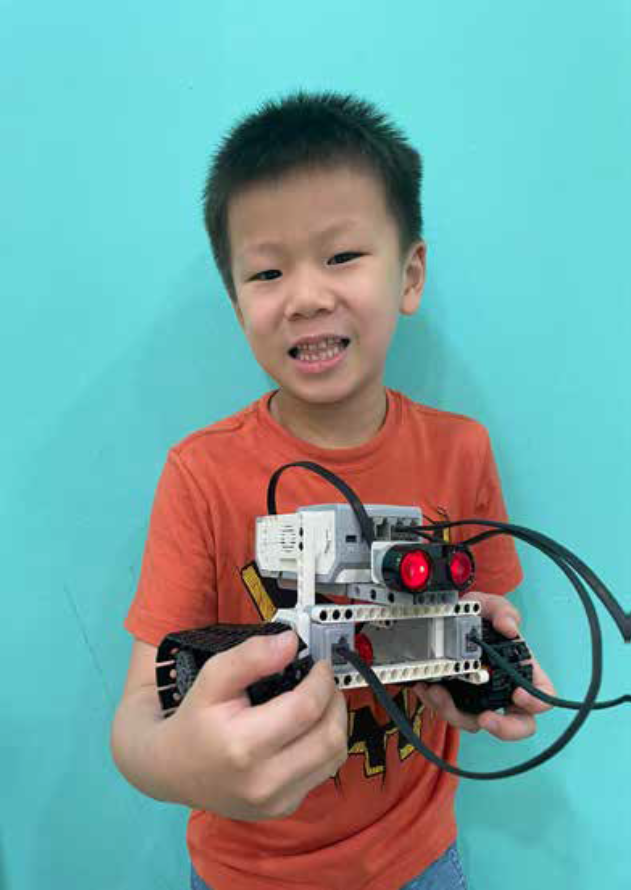
I learned how to use LEGO Technic parts to design and build various mechanical structures. By applying coding concepts such as conditionals (if-else) and incorporating different sensors, I built a tractor. Using the ultrasonic sensor, the tractor moves when it detects the load on it. Such autonomous track-based vehicles are used to transport goods between different stations. Once the sensor detects the object, the vehicle automatically moves to deliver the item to the designated location. This automation reduces the need for human labor, increases efficiency, and ensures precise handling of materials.
Touch Activated Gripper
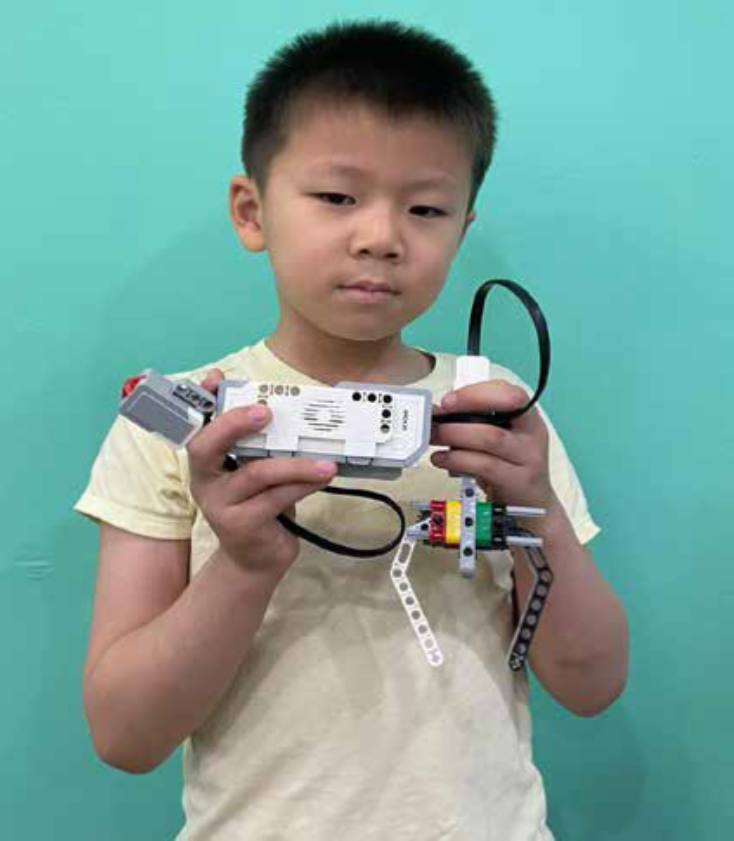
Having played at the arcade frequently, I decided to apply the same concepts and design principles to create a robotic gripper that opens and closes only when a touch sensor is activated. This mechanism allows for precise control, mimicking the arcade claw machine’s motion. Beyond recreation, this design has real-world applications — such as in assistive robotics, where touch-sensitive grippers can help individuals with limited mobility pick up and release objects safely, or in industrial automation, where the system can handle delicate components without causing damage. By integrating touch-based activation, the gripper combines fun design inspiration with practical functionality for real-world use.
Infrared Activated Automated Car
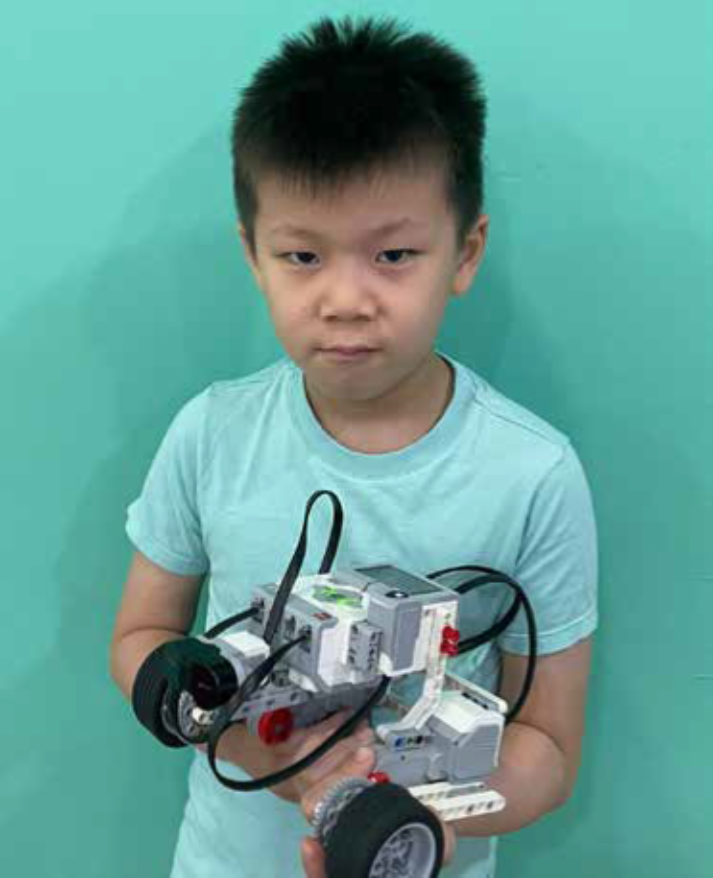
I decided to create an automated car using LEGO Technic parts that can return to its original parking position after detecting an obstacle. This project simulates the logic behind autonomous parking systems found in modern vehicles. Using the concept of nested while loops with variables, I programmed the car to activate and begin moving when the touch sensor is activated. While in motion, the car continuously checks for obstacles using the infrared sensor. Once an obstacle is detected, the car automatically stops and reverses back to its starting point—mimicking a vehicle returning to its parking spot.
Touch Activated Lazy Susan
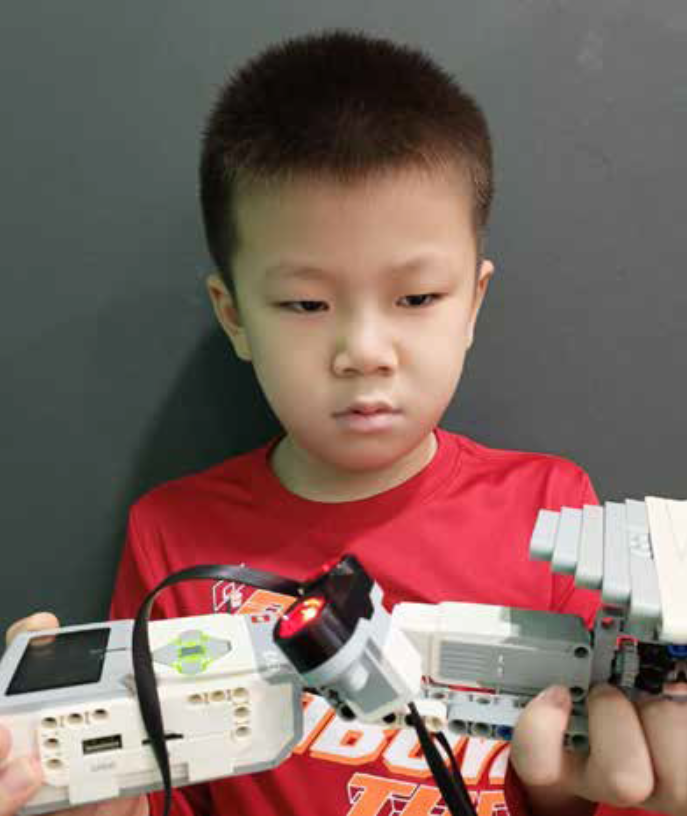
As someone who enjoys exploring hands-on engineering projects, I built a motorized Lazy Susan using LEGO Technic components. The system is designed to move only when the touch sensor is activated, adding a deliberate layer of user control. Once engaged, the platform rotates either clockwise or counterclockwise based on the distance detected by an ultrasonic sensor. By interpreting proximity readings to determine direction, the project demonstrates how sensor-driven logic can create responsive and interactive mechanical systems, similar to how automated platforms adjust movement based on environmental input
Touch And Colour Activated Automated Swings
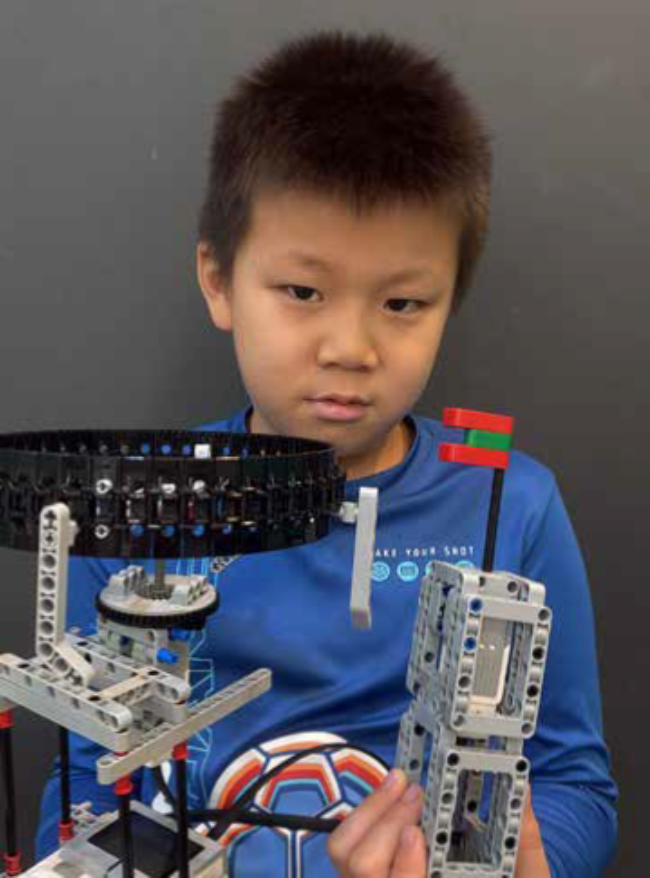
I built a LEGO model featuring two fully automated swings designed to replicate how a real amusement ride would respond to sensor inputs. The system uses a color sensor to decrease the rotation speed of Swing 1 and a touch sensor to increase the speed of Swing 2, ensuring dynamic control and improved user safety. This setup demonstrates how sensor-based automation can create interactive and responsive motion systems similar to those used in modern amusement parks.
Description:
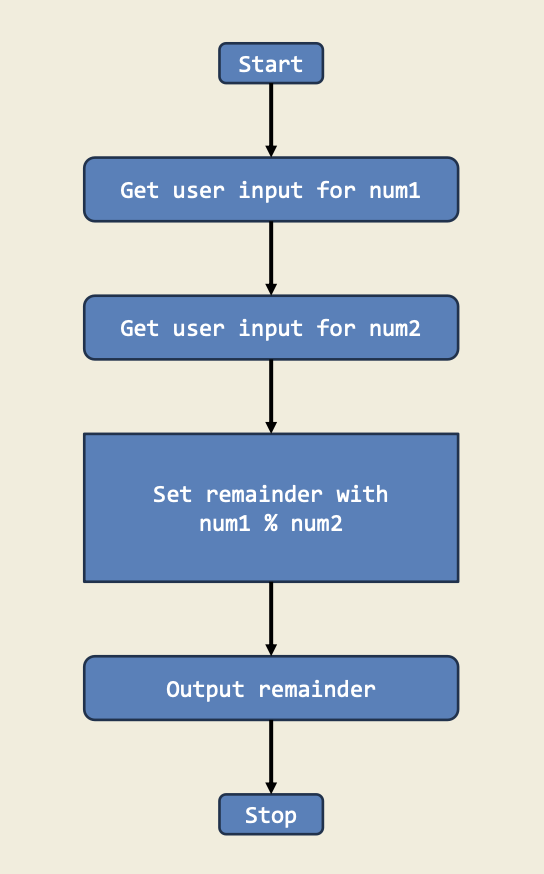
This project shows how to calculate the remainder when one number is divided by another. It’s a great way to practice using arithmetic and the modulo operator (%).
Diagram:
Trinket:
Description:
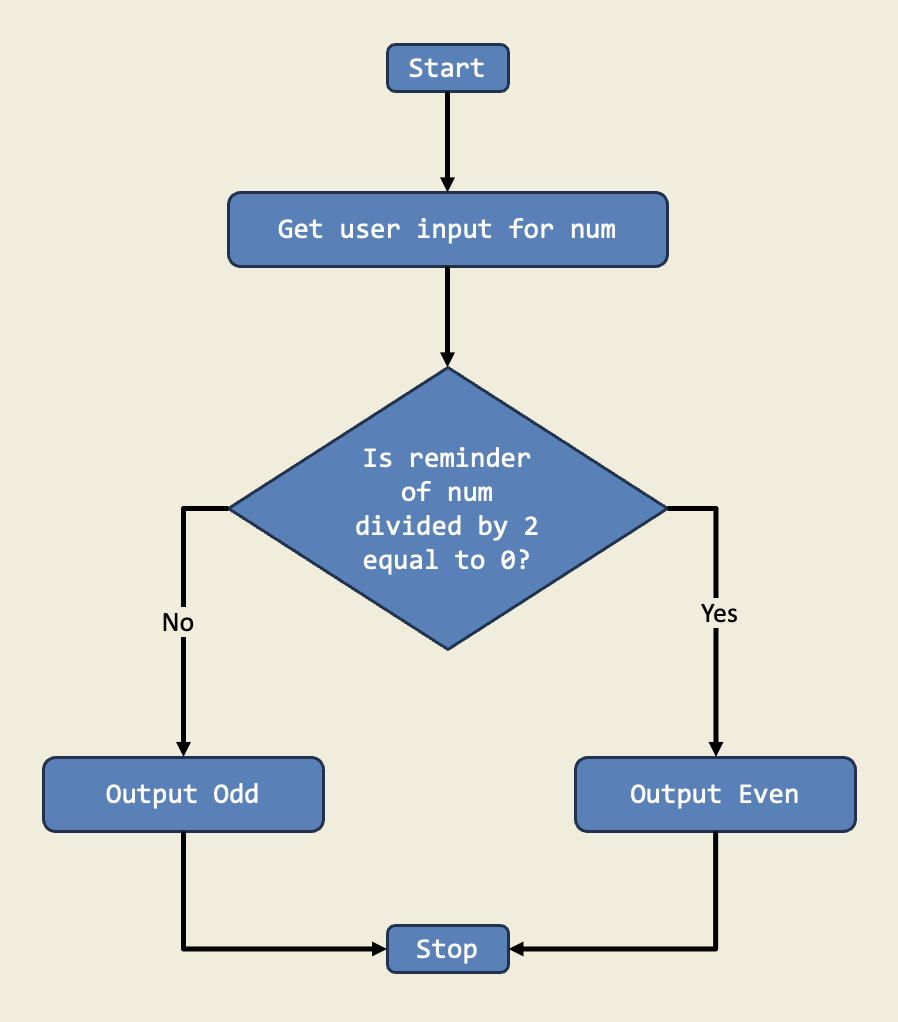
In this project, I designed a program that checks if a number is even or odd using if-else statements. This project teaches me how to make decisions in code based on conditions.
Diagram: