Neev Nakra's Coding Projects
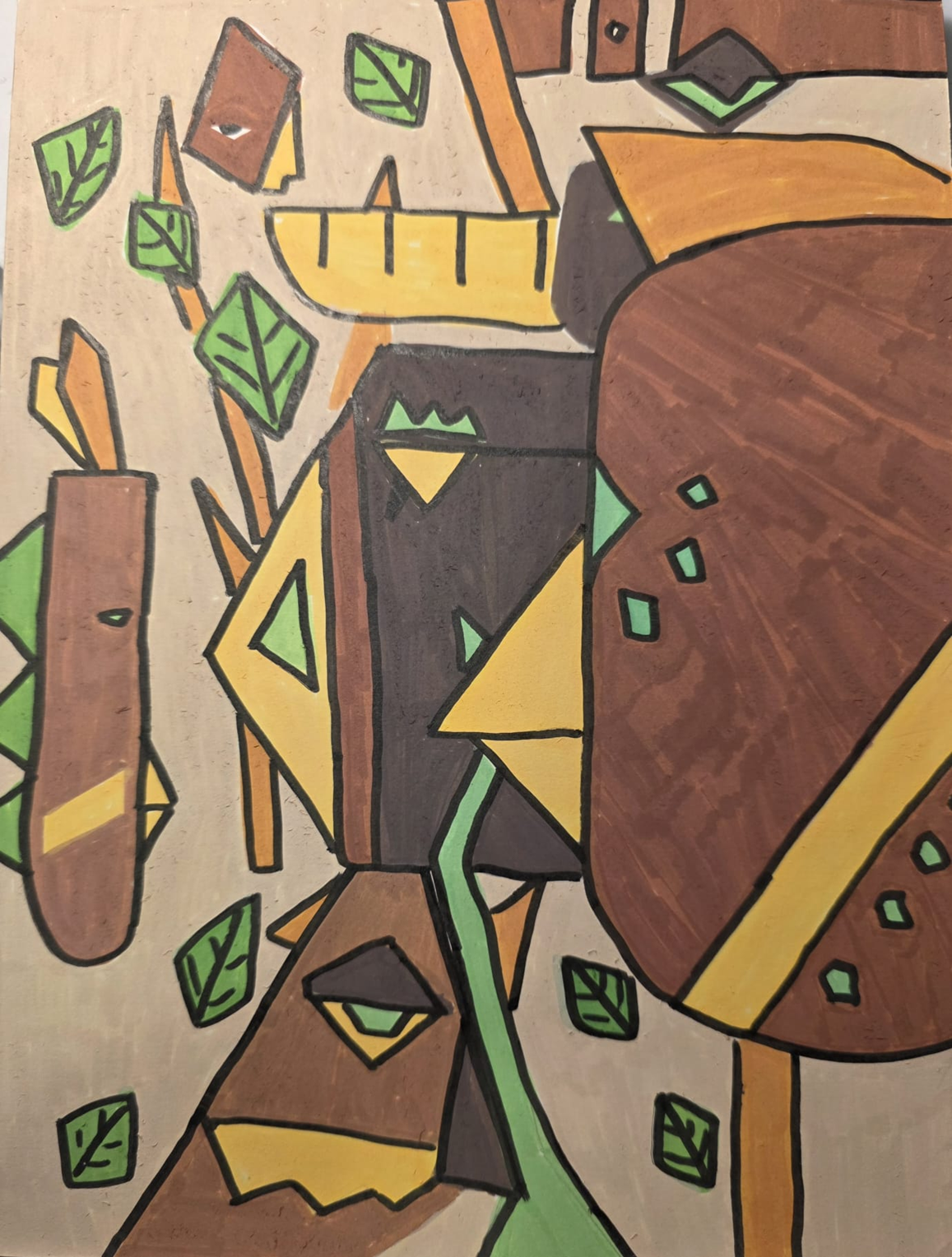
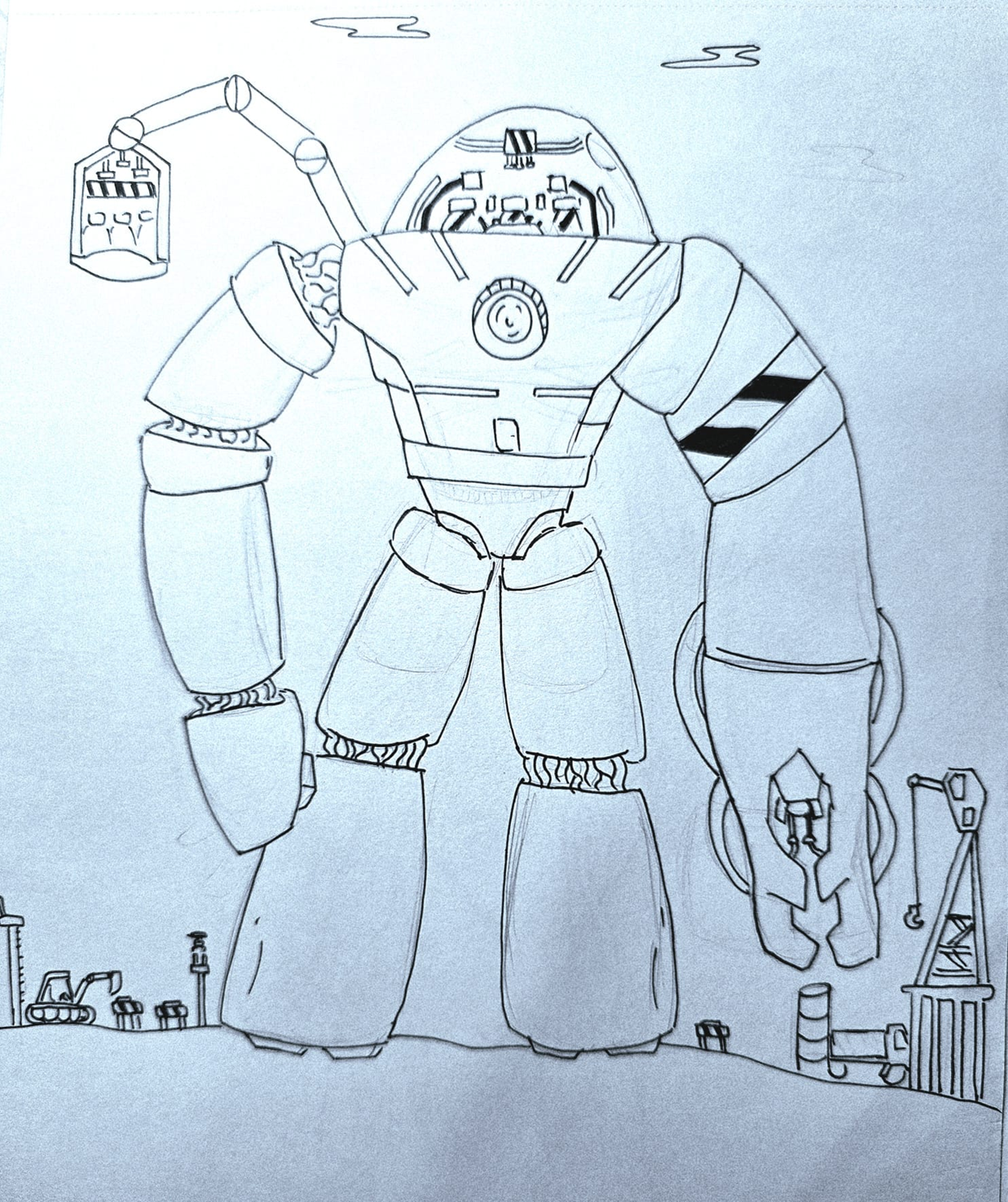
Hello, I am Neev! I am a creative artist who has an interest in robotics as well (see my artwork at the end). My first experience with coding was when I joined Infocomm CCA in P4 where I learnt to use block-based coding (via Scratch) and then moving on to MakeCode Arcade for game development in P5. I enjoy building robots and using coding to solve real-world problems. Starting with block-based coding helped me understand how to control my robots and test new ideas. Learning robotics has strengthened my problem-solving and critical-thinking skills, because I have to break big challenges into smaller steps and troubleshoot when things don’t work as expected. It has also taught me patience and creativity, since designing, building, and programming robots often requires multiple experiments and improvements. Through robotics, I’m learning how software and hardware work together, which helps me better understand technology and how it can be used to make everyday tasks easier and more efficient.

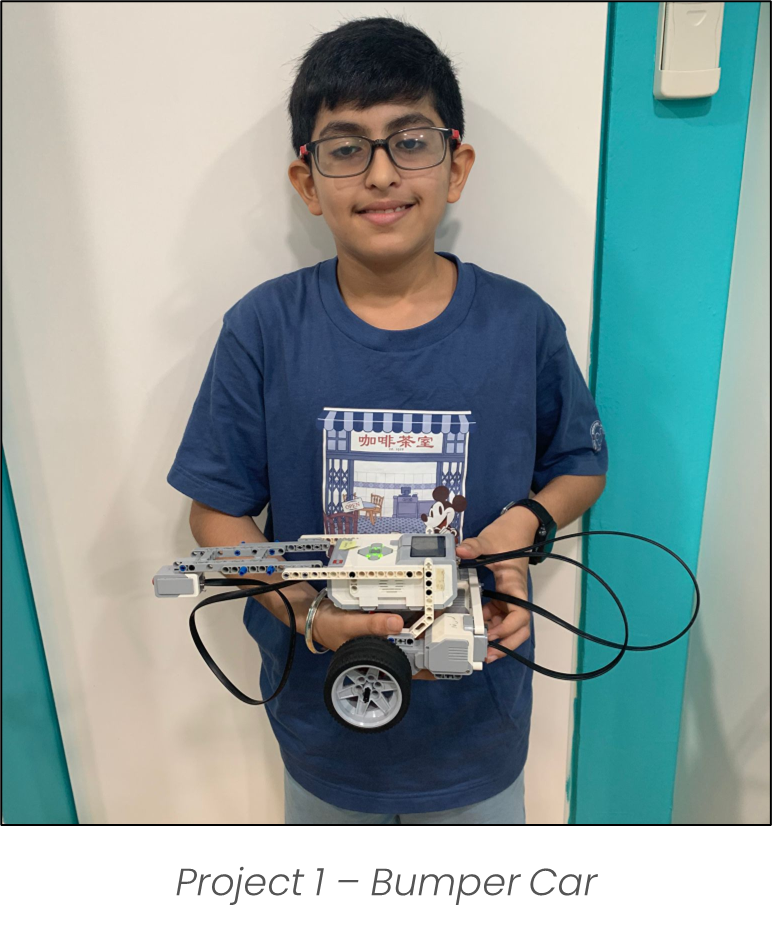
Bumper Car
I learned how to use LEGO Technic parts to design and build functional mechanical systems. By applying coding concepts such as conditionals (if-else) and integrating various sensors, I programmed my creations to respond dynamically to their environment. One example was a bumper car that automatically reverses when its front touch sensor detects a collision—mimicking real-world applications of obstacle detection used in autonomous vehicles and robotic systems to enhance safety and navigation.
Rack and Pinion Door
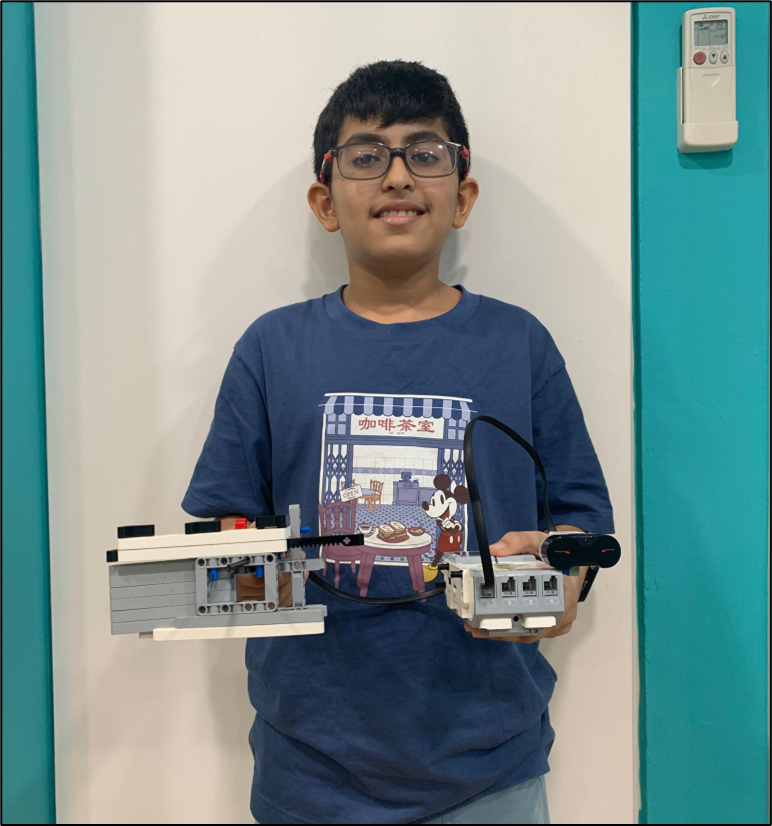
Using an ultrasonic sensor, I re-created an automatic sliding door like those commonly found in shopping centers. The door opens when a person is detected within a certain range, demonstrating how sensor technology is used in real life to improve accessibility, convenience, and energy efficiency in public buildings.
1 touch activated gripper
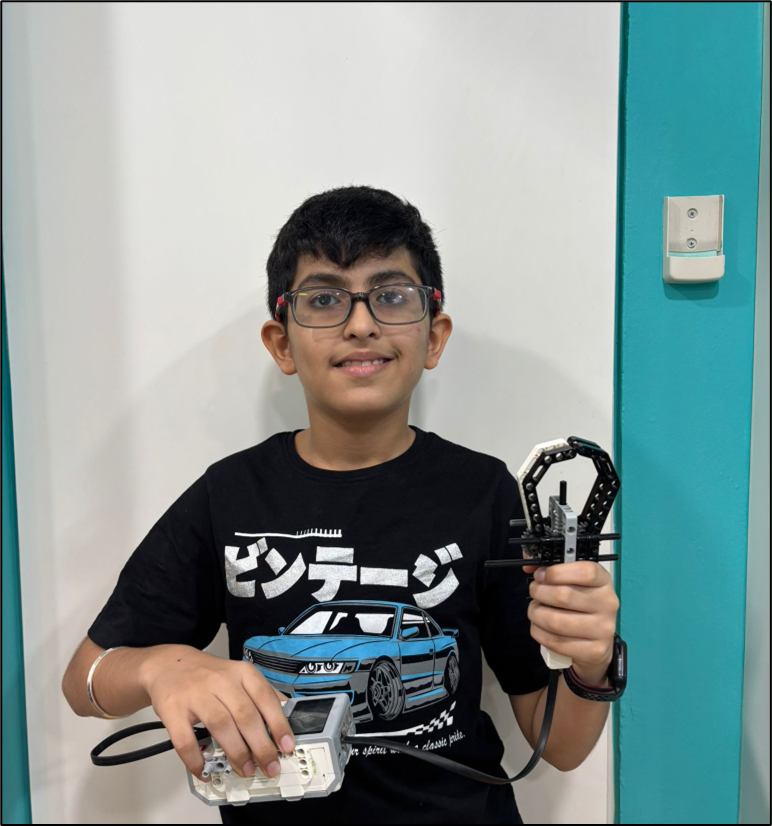
I decided to apply the same concepts and design principles to create a robotic gripper that opens and closes only when a touch sensor is activated. This mechanism allows for precise control, mimicking an arcade claw machine’s motion. Beyond recreation, this design has real-world applications — such as in assistive robotics, where touch-sensitive grippers can help individuals with limited mobility pick up and release objects safely, or in industrial automation, where the system can handle delicate components without causing damage. By integrating touch-based activation, the gripper combines fun design inspiration with practical functionality for real-world use.
Touch Activated Automated Rabbit Head
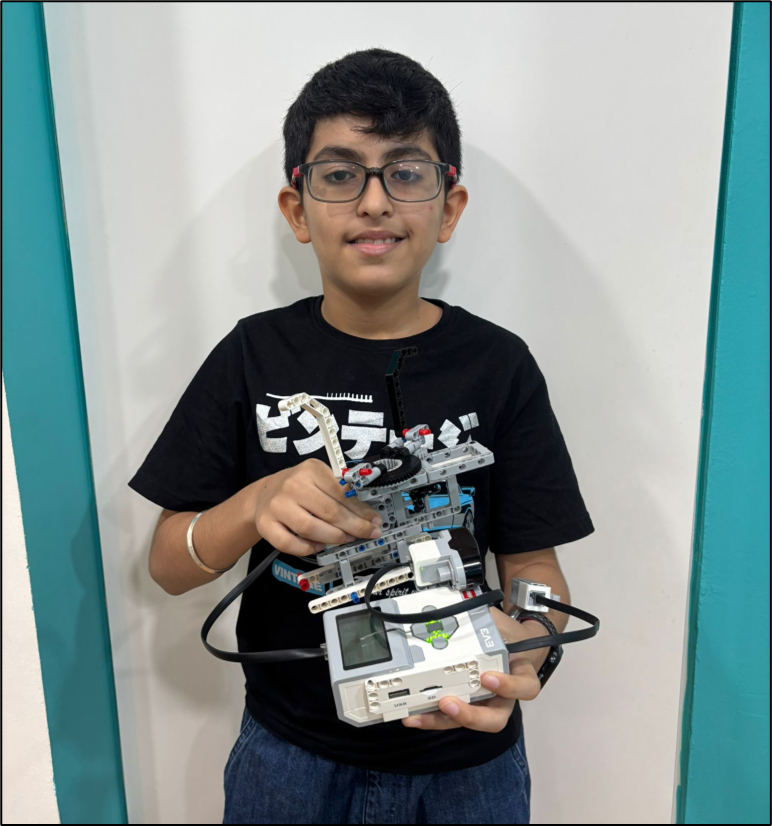
The rabbit head toy spins when the wind hits it, creating a fun and playful motion. To make it more interactive and engaging, I decided to create an automated version of the toy. In this upgraded version, the rabbit head starts spinning automatically as soon as the program runs. When the ultrasonic sensor detects someone nearby, the spinning stops, and the toy returns to its original position.
Colour and infrared activated spinning top
Having seen how a spinning top rotates and balances, I decided to recreate a sensor-controlled spinning top using LEGO Technic parts. I coded it to move when activated by a colour sensor, while the direction of rotation is controlled using an infrared sensor that detects someone within different ranges. If the infrared sensor detects someone near it, the top spins clockwise; otherwise, it spins anti-clockwise. This setup mirrors real-life smart devices that respond to environmental cues. The system responds intuitively to human presence, creating an interactive and dynamic user experience.
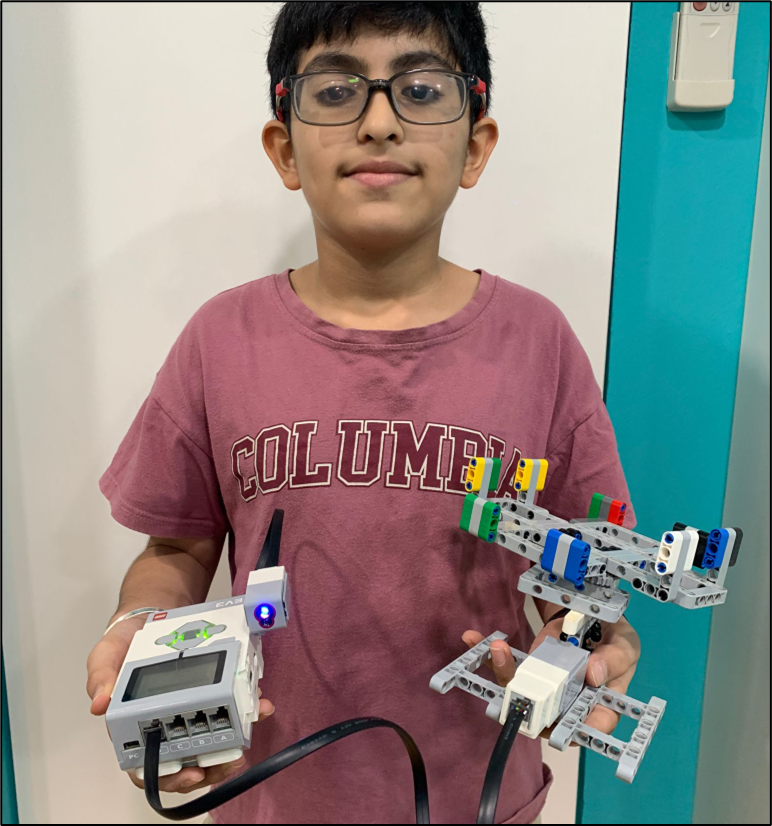
Touch and colour activated Merry go round
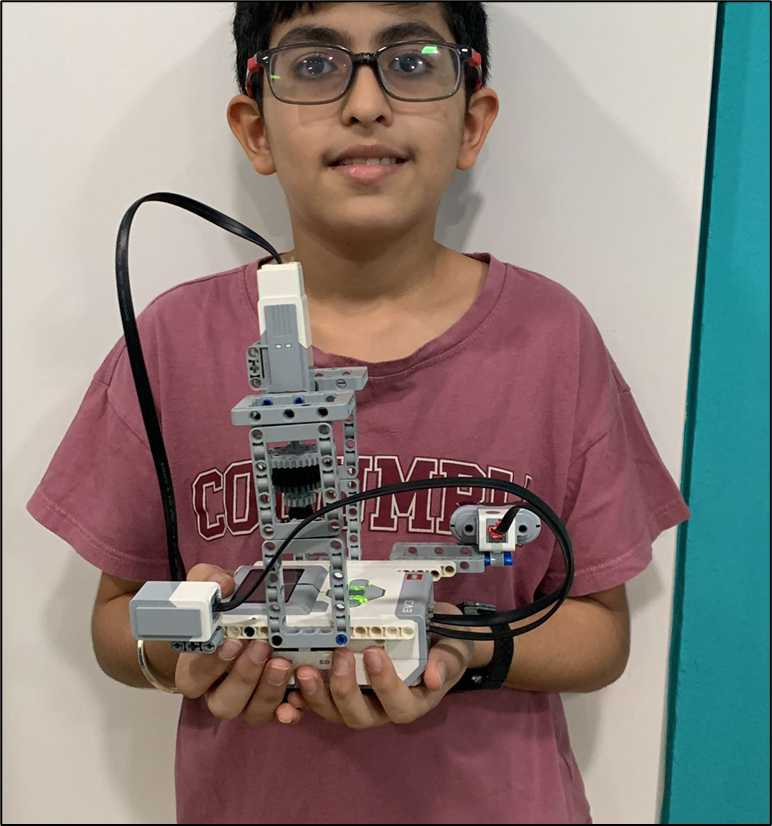
I decided to build an automated LEGO Technic merry-go-round for an imaginary friend. The ride’s speed is controlled using both a touch sensor and a color sensor, creating an interactive and responsive amusement experience. Using core programming concepts such as variables and if-else logic, I programmed the system to decrease the ride’s speed when the color sensor detects a specific value and to increase the speed when the touch sensor is activated. This combination of hardware and software control allows for smooth, adaptive motion that mirrors the operation of real amusement rides.
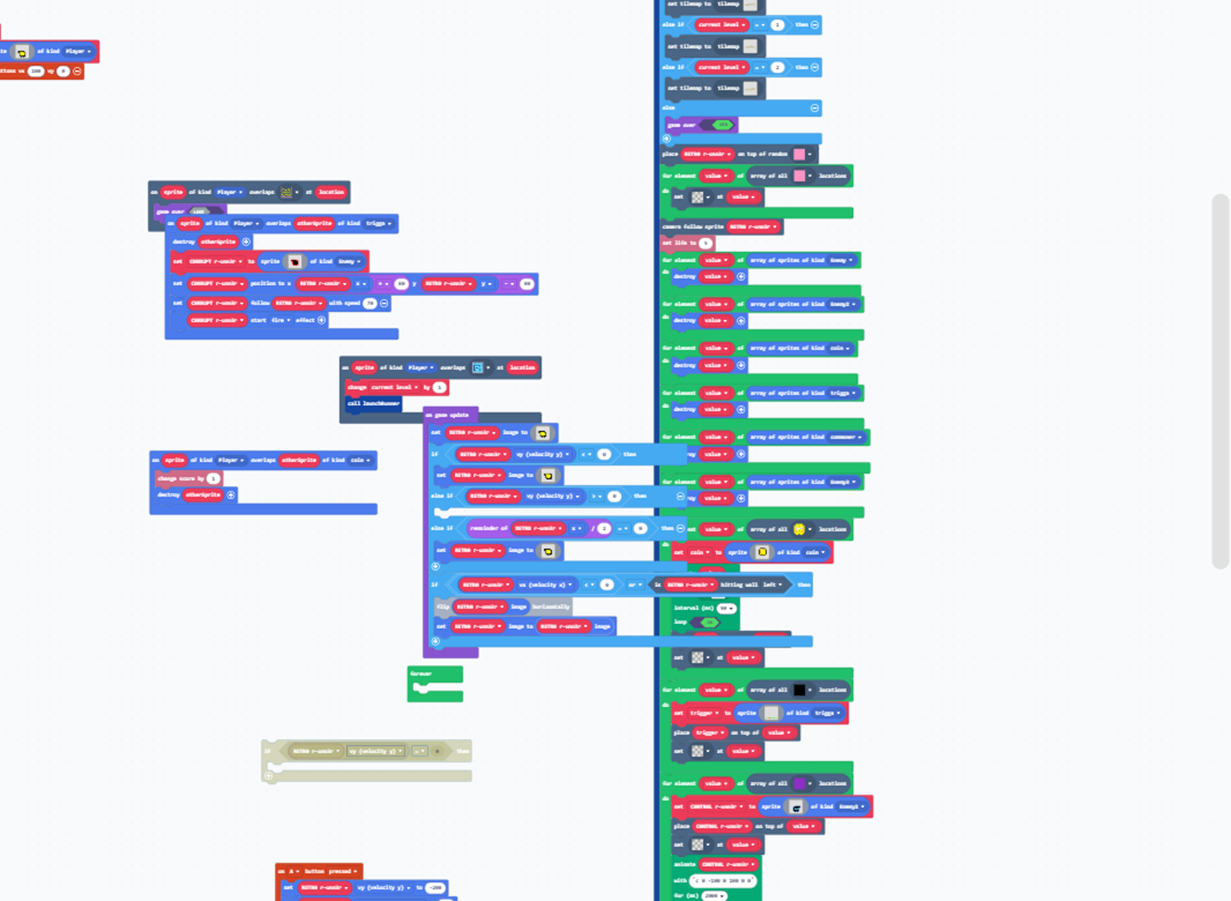
I coded Retro Runner using MakeCode Arcade by designing a 3-level platformer game where the player must defeat enemies and earn points through the game. I created the player sprite and programmed it to jump using controller inputs, allowing the character to avoid incoming obstacles. I added triggers to spawn enemies from the side of the screen. I applied collision detection so that when the player hits an obstacle, the game ends or the player loses a life. To enhance gameplay, I added animations, and adjusted the speed of obstacles to gradually increase difficulty. Through this project, I learnt how to use events, loops, and conditionals to create a fast-paced and engaging arcade-style platformer game. I also coded Retro Runner 2 and 3, which are not included in this slideshow. They involve similar game mechanics but are harder.
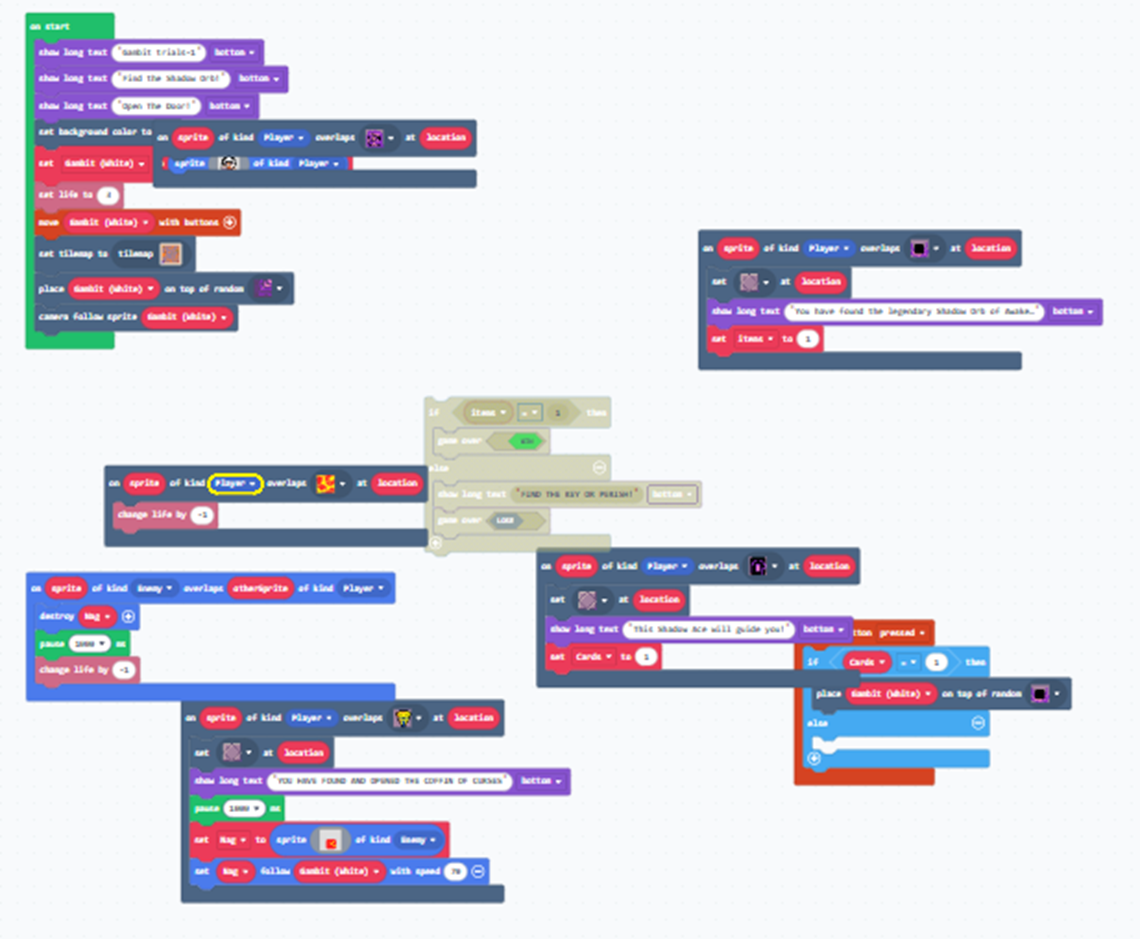
I coded Gambit of the Underworld using MakeCode Arcade by designing a single-level maze game where the player must avoid touching lava and enemies. I added powerups and a key to open the exit portal. I created the player sprite and programmed it to move using controller inputs, allowing the character to avoid incoming obstacles. I added triggers to spawn enemies. I applied collision detection so that when the player hits an enemy, the game ends or the player loses a life. Through this project, I learnt how to use events, loops, and conditionals to create a strategic and suspenseful maze game.
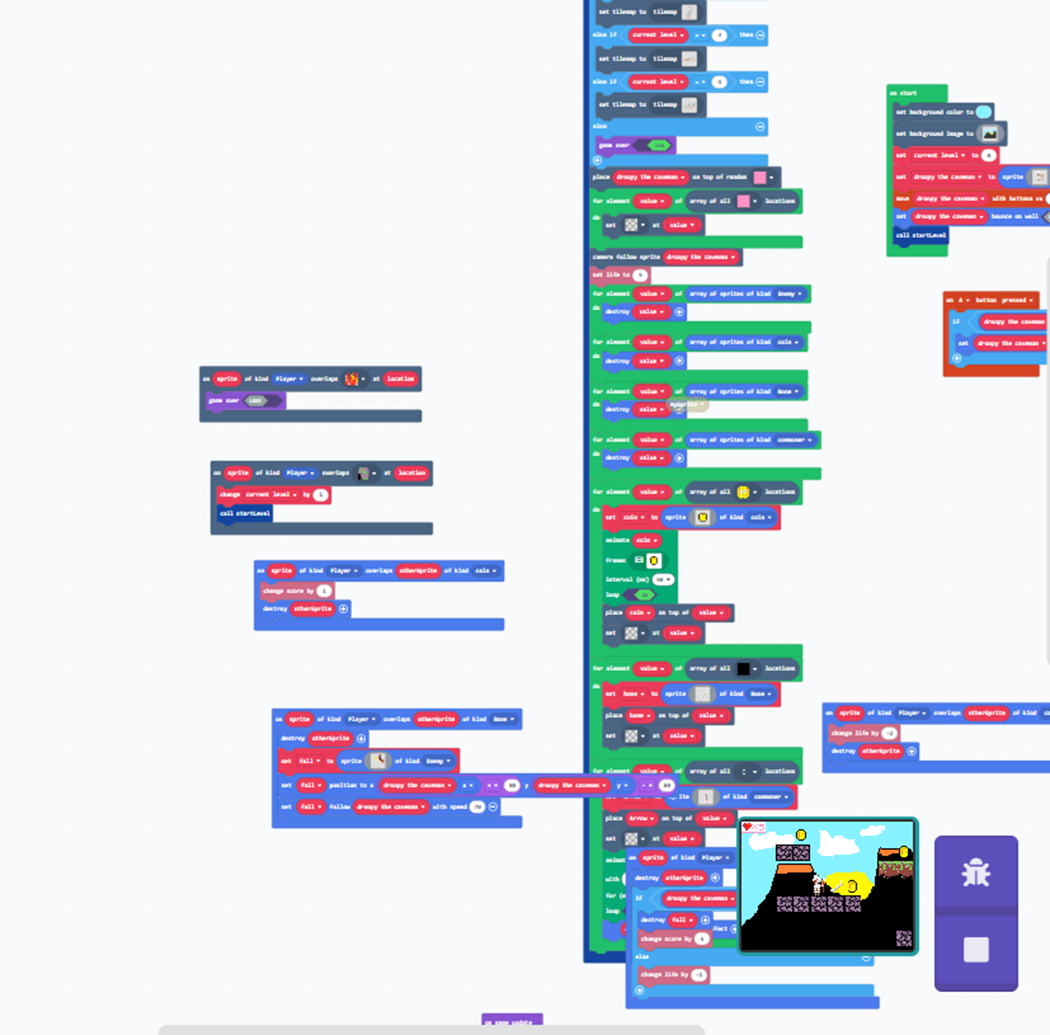
When I was 9 years old, I came up with an idea for a comic about a caveman. I named him Droopy and wrote about his crazy adventures while exploring different ways to live. This video game is based on that character. I coded Kaveman Klash using MakeCode Arcade by designing a 5-level platformer game where the player must avoid enemy eagles and earn points through the game. I created the player sprite and programmed it to jump using controller inputs, allowing the character to avoid incoming obstacles. I added triggers to spawn enemies from the side of the screen. I applied collision detection so that when the player hits an enemy, the game ends or the player loses a life. To enhance gameplay, I added animations, and adjusted the speed of obstacles to gradually increase difficulty. Through this project, I learnt how to use events, loops, and conditionals to create a fast-paced and engaging arcade-style game.
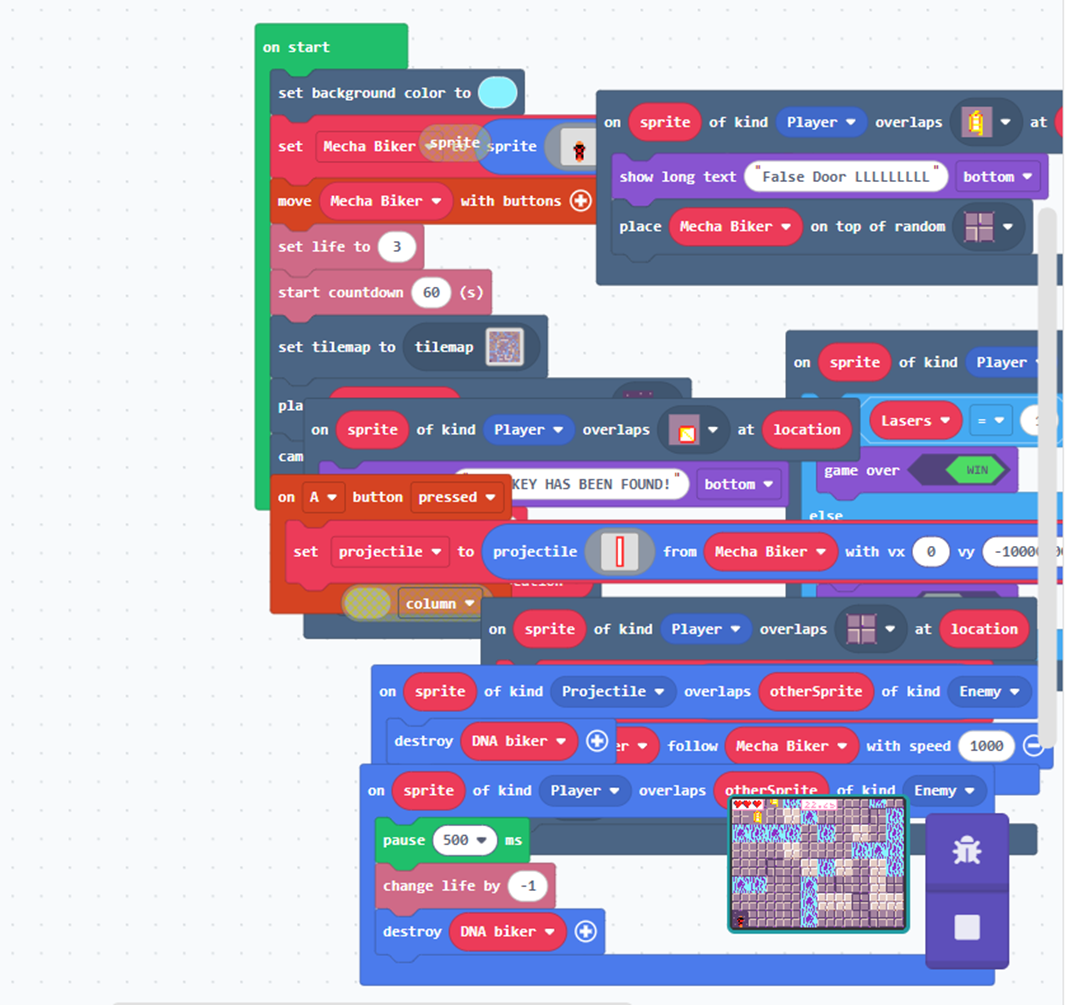
I coded Mecha Biker using MakeCode Arcade by designing a timed, difficult and tense single-level maze game where the player must avoid enemies and false doors and earn points through the game. I created the player sprite and programmed it to move using controller inputs, allowing the character to avoid incoming obstacles. I added triggers to spawn enemies. I applied collision detection so that when the player hits an enemy, the game ends or the player loses a life. Through this project, I learnt how to use events, loops, and conditionals to create a fast-paced and suspenseful maze game.