Kavan Tay's Coding Projects
My name is Kavan, and I am 12 years old. I started learning robotics with LEGO Mindstorms and block-based coding in Primary 4, where I enjoyed designing and building robots to automate daily tasks. Robotics inspired me to solve real-world problems and explore beyond block-based coding, which led me to learn Python. Using Python, I wrote programs to solve math problems without pen and paper. I also learned Pygame to create educational games where my friends could compete and challenge one another. I have documented my journey in robotics, coding, innovation, and STEM.

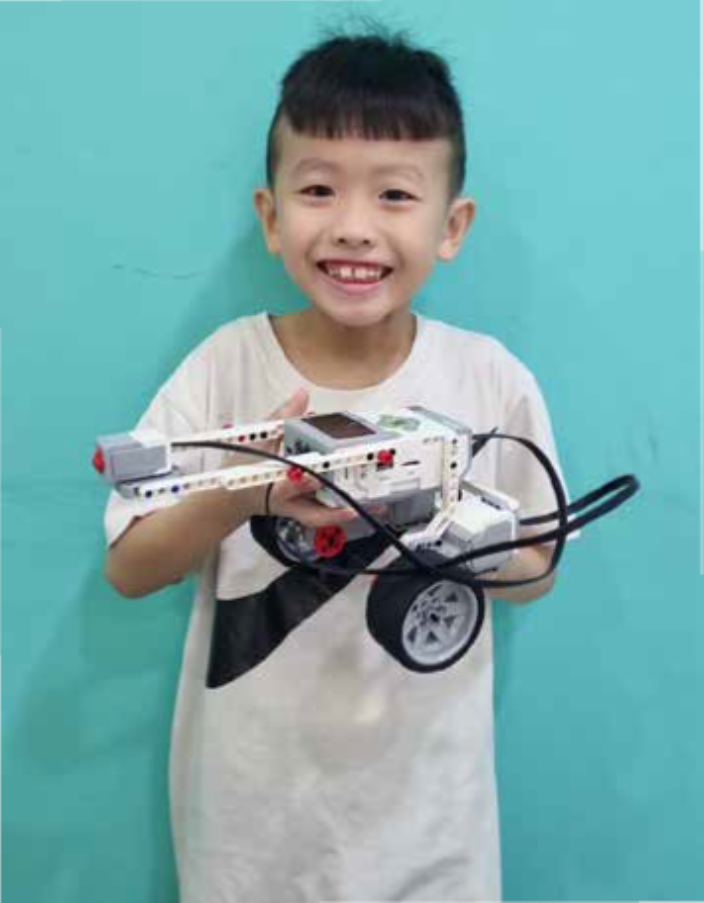
Bumper Car
I learned how to use LEGO Technic parts to design and build functional mechanical systems. By applying coding concepts such as conditionals (if-else) and integrating various sensors, I programmed my creations to respond dynamically to their environment. One example was a bumper car that automatically reverses when its front touch sensor detects a collision—mimicking real-world applications of obstacle detection used in autonomous vehicles and robotic systems to enhance safety and navigation.
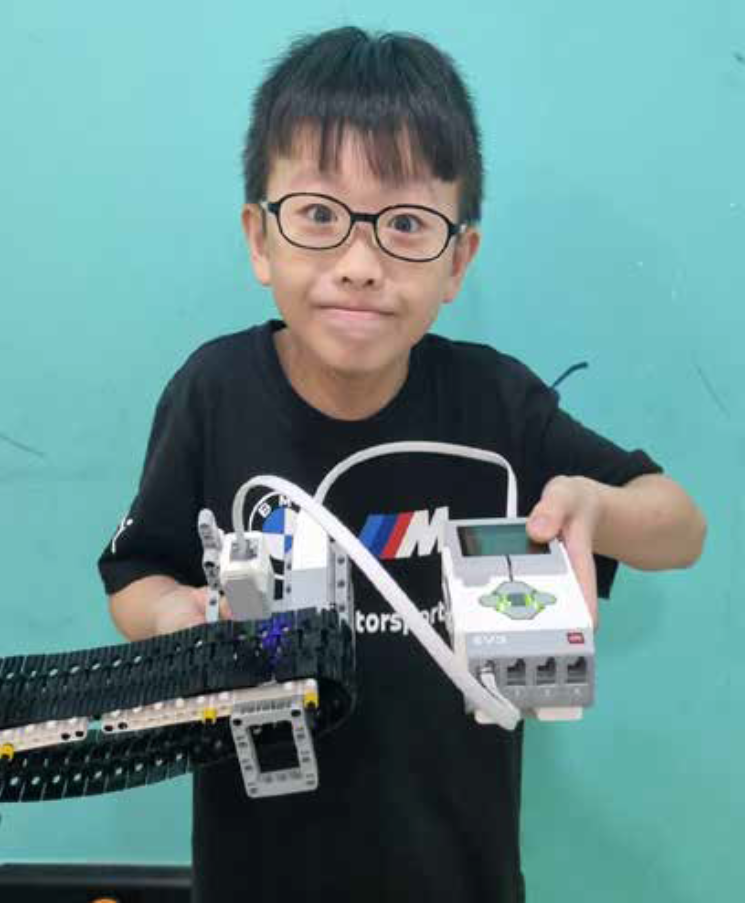
Sushi Belt
I enjoy going to the restaurant for sushi and decided to recreate an automated one. Using the lego technic parts and a colour sensor, I created a sushi belt that is activated to move only when it detects the colour green. This reduces unnecessary motion and saves energy.
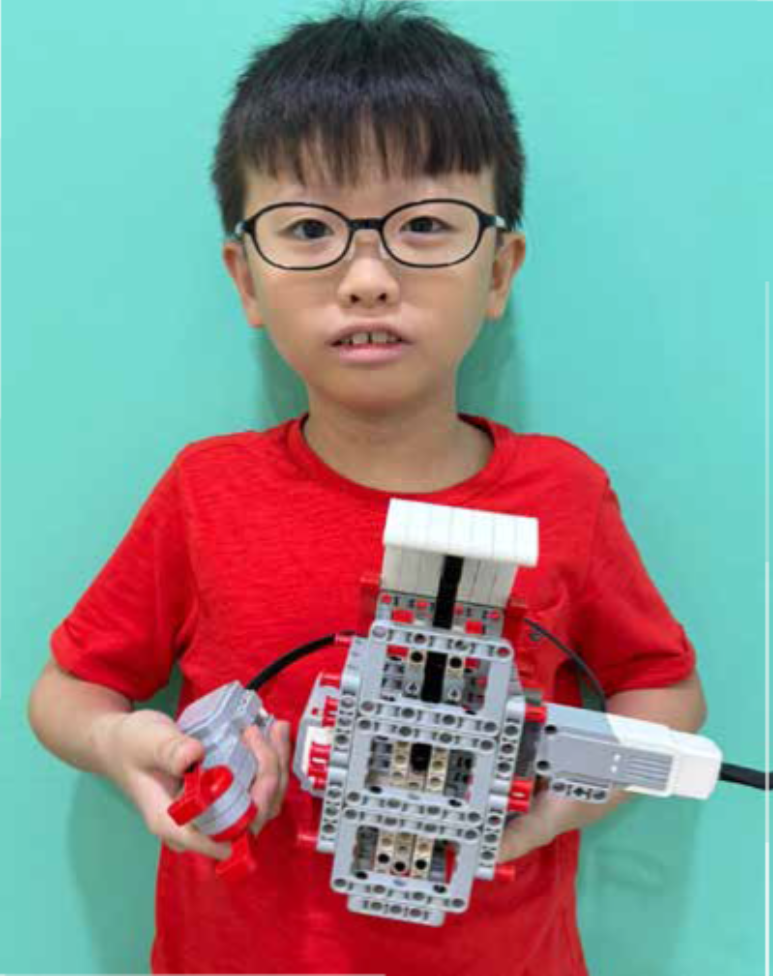
Motor Controlled Jack In The Box
Wanting to create a fun toy to prank my siblings, I applied the design principles and coding skills I learned to build a build a Jack-in-the-Box mechanism. It’s controlled by a handheld motor that activates the opening and closing of the box. By spinning the motor in a specific sequence of directions, the Jack springs out, demonstrating how programmed mechanical sequences can create interactive and entertaining devices—similar to automated toys and novelty mechanisms used in entertainment and consumer products.
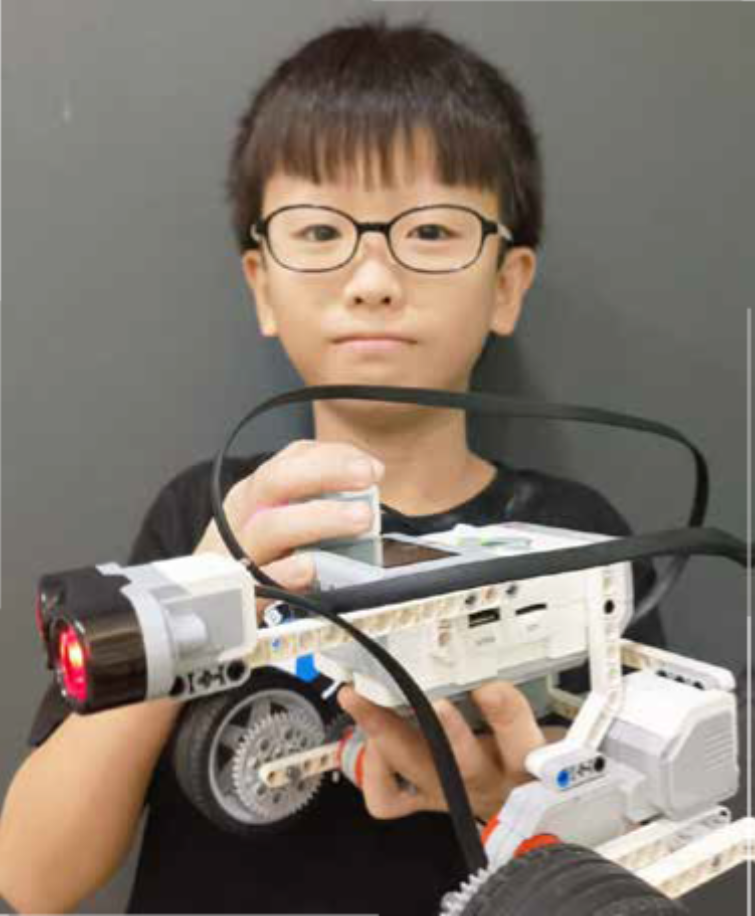
Ultrasonic activated automated car
I decided to create an automated car using LEGO Technic parts that can return to its original parking position after detecting an obstacle. This project simulates the logic behind autonomous parking systems found in modern vehicles. Using the concept of nested while loops with variables, I programmed the car to activate and begin moving when the touch sensor is activated. While in motion, the car continuously checks for obstacles using the ultrasonic sensor. Once an obstacle is detected, the car automatically stops and reverses back to its starting point—mimicking a vehicle returning to its parking spot.
Tea Cup Ride
As someone who enjoys visiting amusement parks—especially the tea cup ride, I recreated a classic amusement park teacup ride using LEGO Technic parts. It incorporates two color sensors to make decisions about when and how to spin, based on both the color detected and the amount of reflected light. This adds a layer of safety and control that reflects how real-world rides use environment-sensitive automation.
Touch activated Treadmill
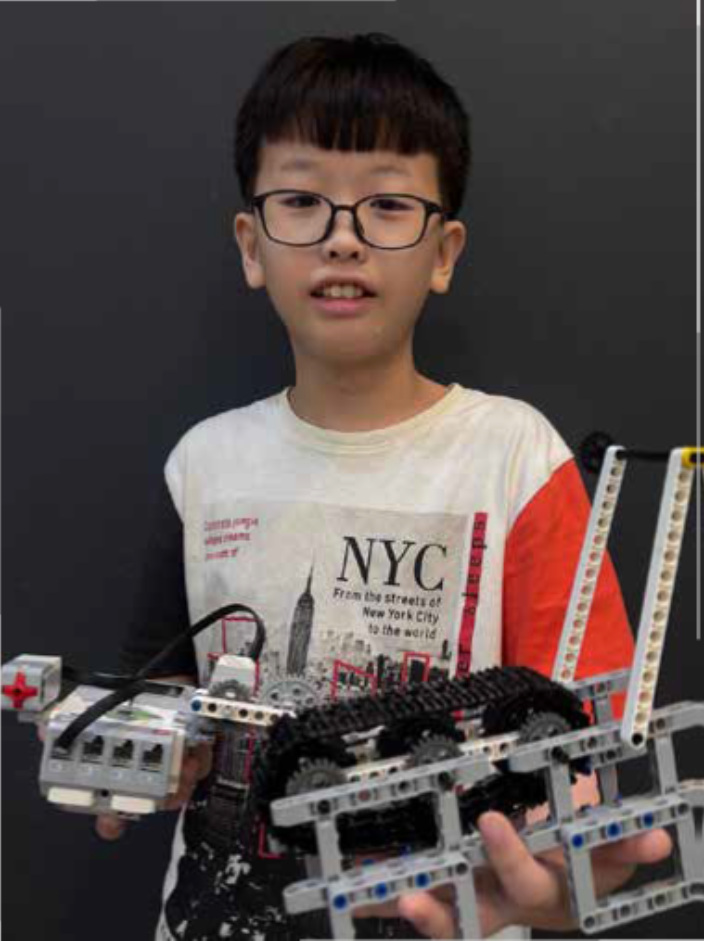
As someone who enjoys exercising on a treadmill, I decided to recreate an automated treadmill using LEGO Technic parts. This miniature version functions similarly to a real treadmill—its speed is controlled by user input. With the use of a touch sensor, and coding concepts such as variables and if-else statements, the treadmill increases speed with each press—just like speed adjustments on a real gym machine.