Jude Lee's Coding Projects
My name is Jude, and I am 12 years old. I started learning robotics with LEGO Mindstorms and block-based coding in Primary 4, where I enjoyed designing and building robots to automate daily tasks. Robotics inspired me to solve real-world problems and explore beyond block-based coding, which led me to learn Python. Using Python, I wrote programs to solve math problems without pen and paper. I also learned Pygame to create educational games where my friends could compete and challenge one another. I have documented my journey in robotics, coding, innovation, and STEM.

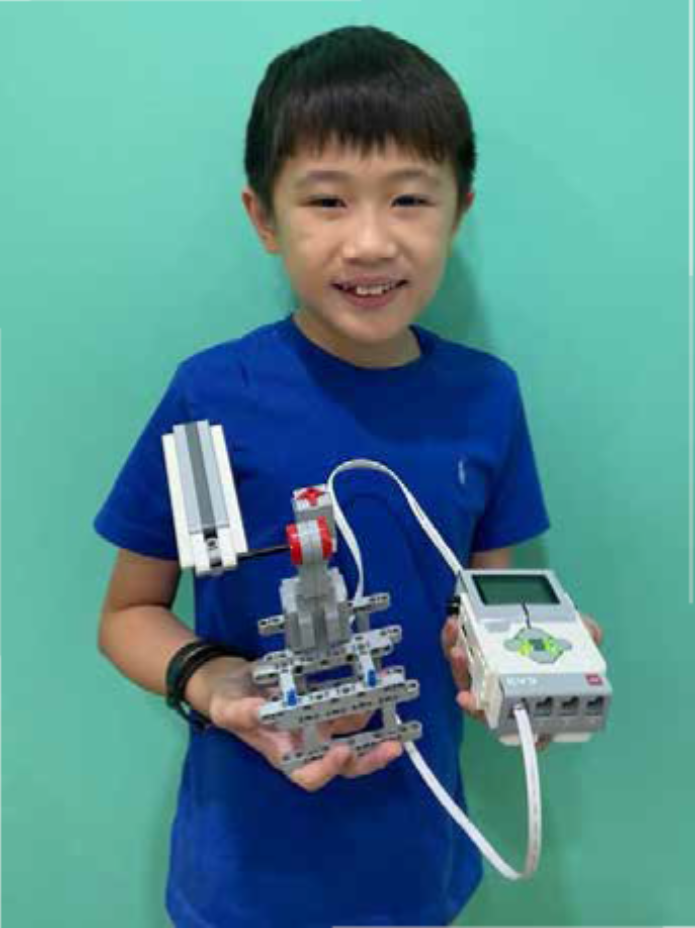
Ping Pong Racket
I learned how to use LEGO Technic parts to design and build various mechanical structures. By applying coding concepts such as conditionals (if-else) and incorporating different sensors, I programmed my designs to perform specific actions based on real-time input. For example, I created a catapult mechanism that swings to hit the target when the touch sensor is activated—demonstrating how sensor-triggered automation is used in real-world systems that respond to user
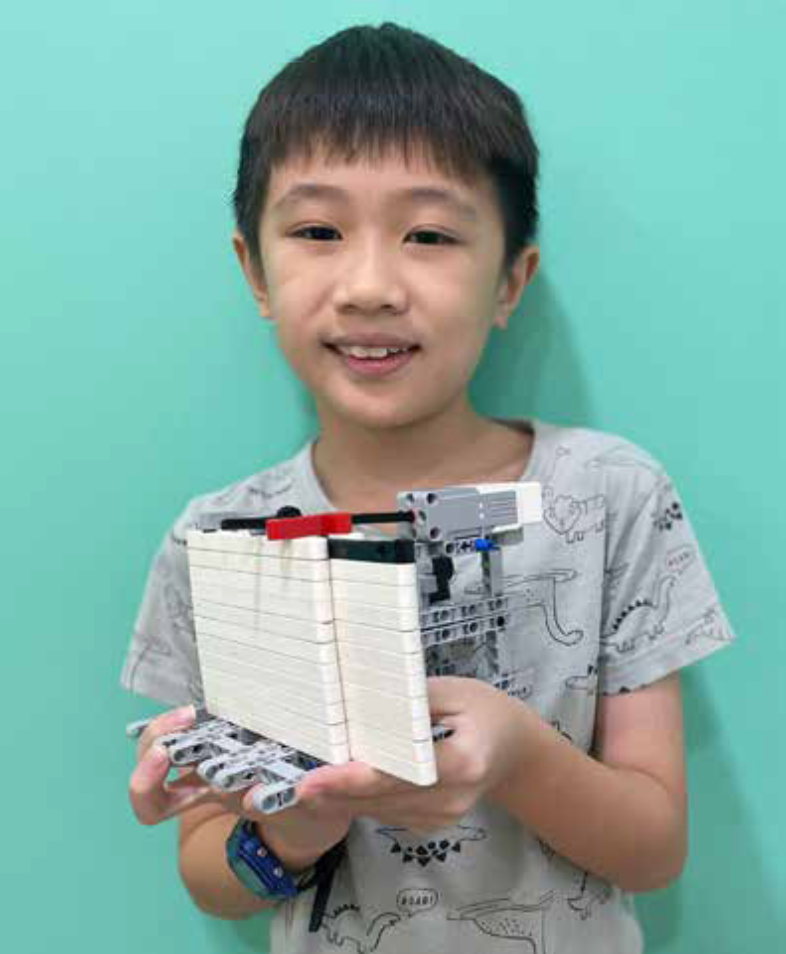
Rack and Pinion Door
I built various mechanical structures using LEGO Technic parts and applied conditional logic (if-else) with different sensors. For this project, I created a rack and pinion automatic door using an ultrasonic sensor. The door opens when a person is detected within a certain distance, just like the automatic sliding doors commonly found in shopping centers. This project demonstrates how sensor technology improves accessibility, convenience, and energy efficiency in real-life buildings.
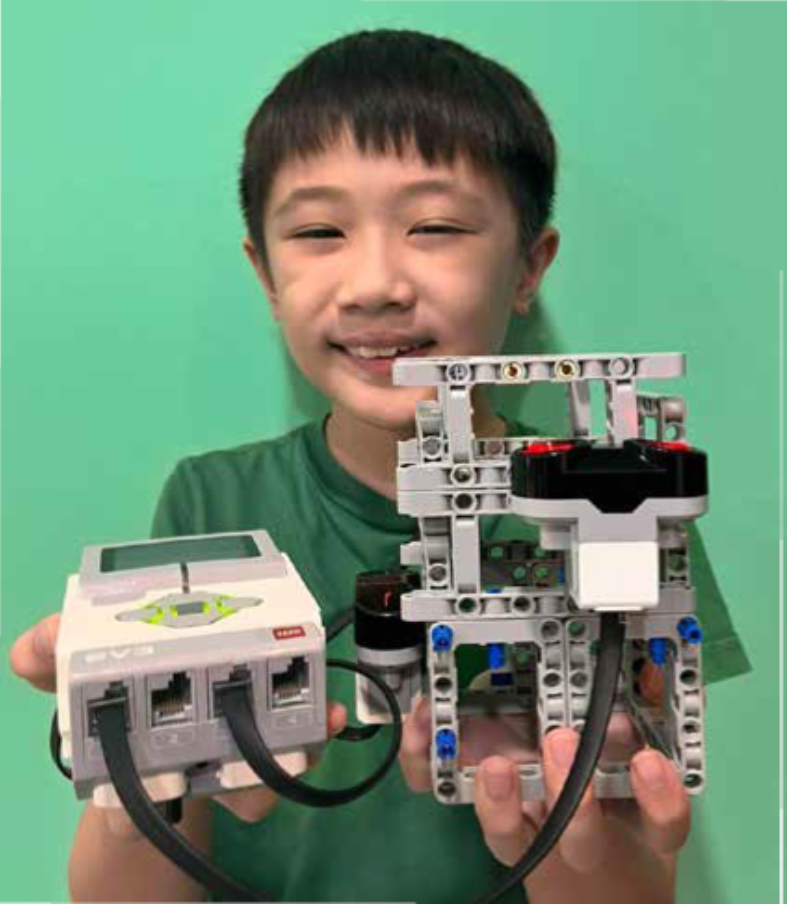
Distance Sensor Coin Dispenser
Inspired by arcade coin dispensers, I applied the design principles and coding skills I learned to build a distance-activated coin dispenser. The dispenser uses two ultrasonic sensors that detect my hand in a specific sequence within a defined distance threshold. When both sensors are triggered in order, the mechanism opens to release coins. This project demonstrates how sensor integration and conditional logic can create automated systems, to those used in vending machines .
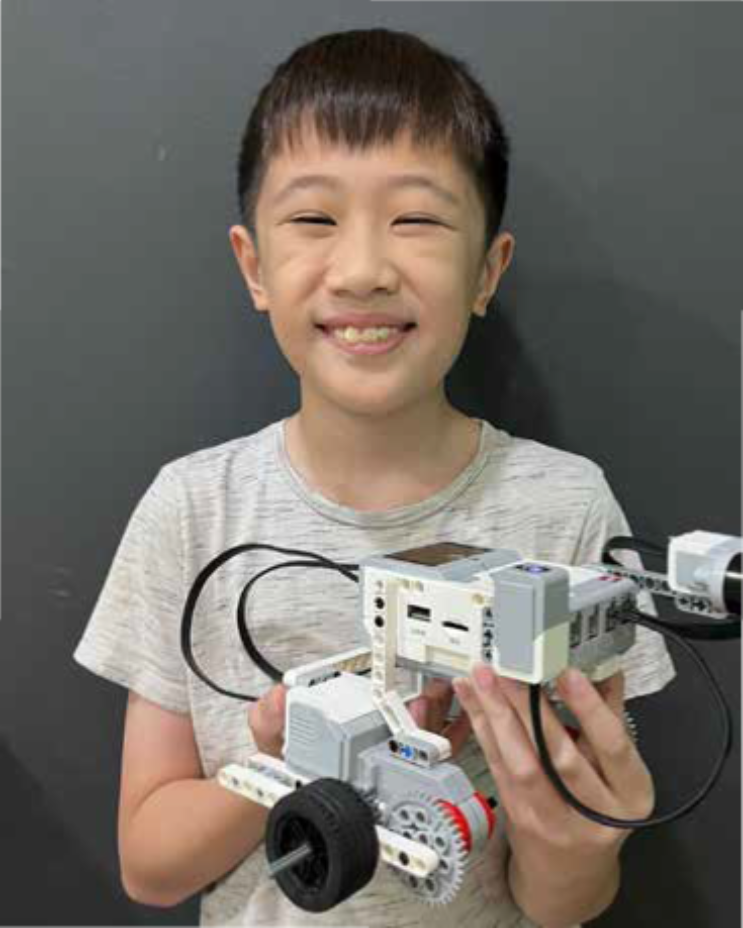
Automated Car
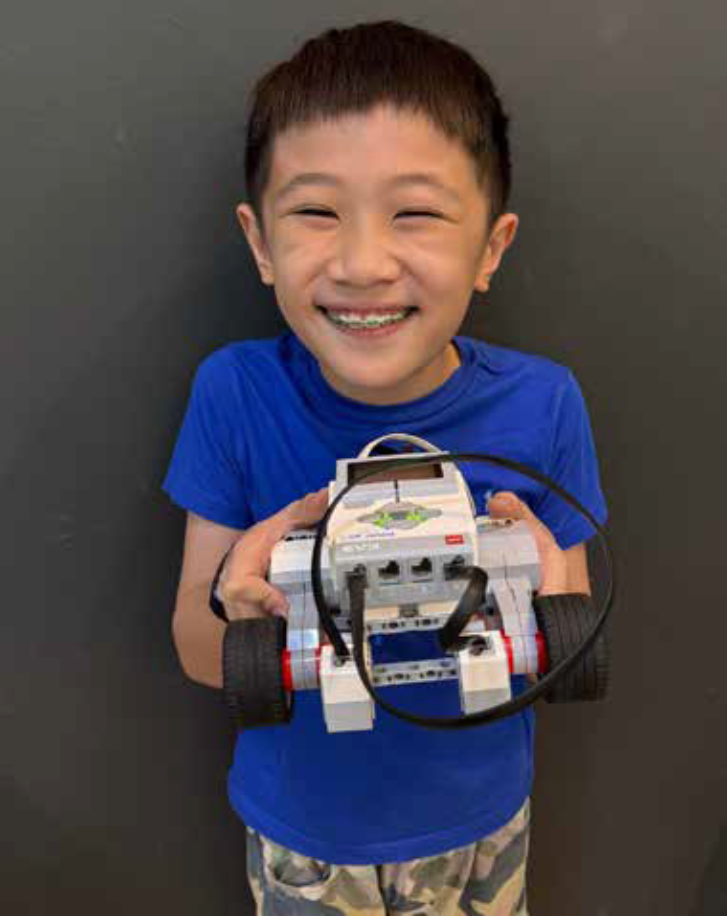
I decided to create an automated car using LEGO Technic parts that can return to its original parking position after detecting an obstacle. This project simulates the logic behind autonomous parking systems found in modern vehicles. the concept of nested while loops with variables, I programmed the car to activate and begin moving when the touch sensor is activated. While in motion, the car continuously checks for obstacles using the ultrasonic sensor. Once an obstacle is detected, the car automatically stops and reverses back to its starting point—mimicking a vehicle returning to its parking spot.
Follow The Line
Inspired by a line-following robot I observed at the library—used to transport books from the return bin to the sorting section—I decided to design a similar robot for home use. My version is programmed to follow a black line on the floor, allowing it to navigate efficiently through designated areas that require cleaning.
Touch Activated Treadmill
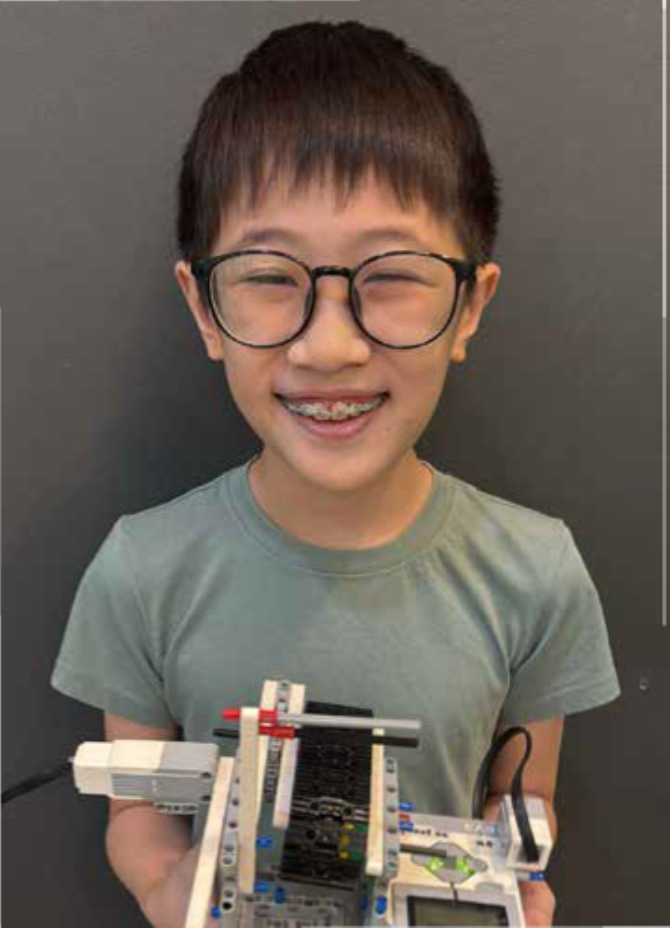
As someone who enjoys exercising on a treadmill, I decided to recreate an automated treadmill using LEGO Technic parts. This miniature version functions similarly to a real treadmill—its speed is controlled by user input. With the use of a touch sensor, and coding concepts such as variables and if-else statements, the treadmill increases speed with each press—just like speed adjustments on a real gym machine.