Ethan Zhang's Coding Projects
Hi I'm Ethan! I'm 12 years old and began learning robotics with LEGO Mindstorms and block-based coding in Primary 2. I enjoy designing and building robots to automate daily tasks. This passion led me to explore text-based coding with Python, which I now use to solve math problems and create educational games using Pygame for my friends to enjoy and learn from.

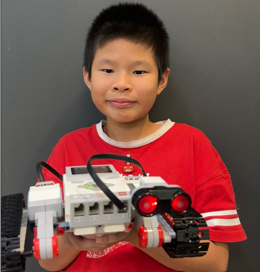
Ultrasonic Activated Tractor
I built a LEGO-based tractor model designed to simulate real-life functionality. It uses an ultrasonic sensor to detect obstacles and automatically stop when objects are within a threshold distance that I configured. This demonstrates the potential advantages of automation and smart technology in modern farming.
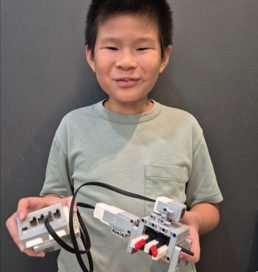
Colour Activated Shooter
Having played at the arcade frequently, I decided to use the concepts of conditional statements, colour detection, and output controls to create a secure and precise shooter that fires a shot when the colour sensor detects two specific colours in the coded order.
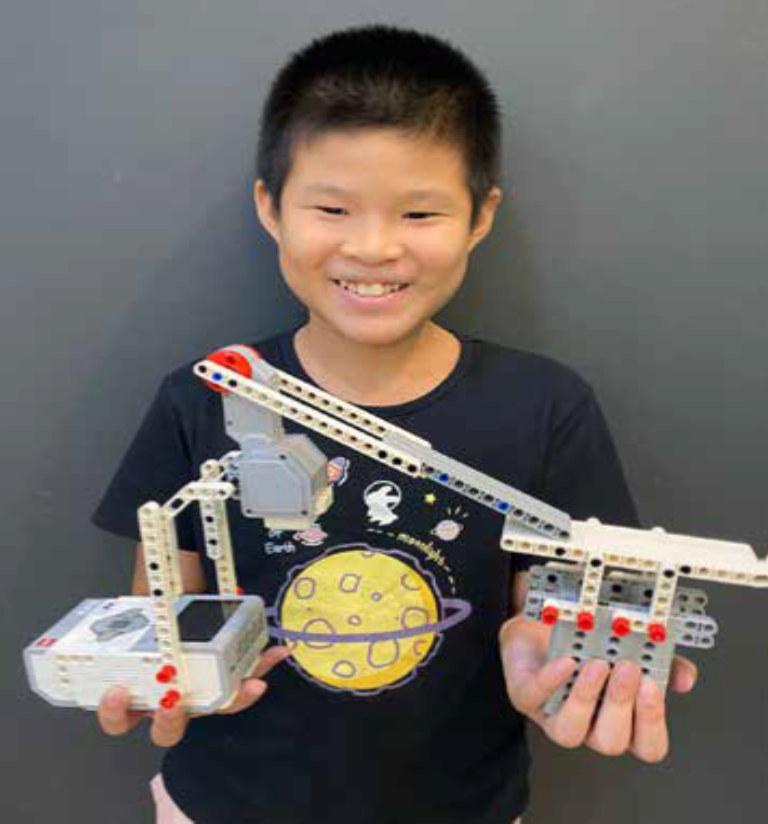
Touch activated catapult
I learnt how to use the LEGO technic parts to create different designs. Using the coding concept of conditionals (if-else), together with different sensors, I coded my designs to do certain actions only if a specific condition is met. Among many other projects, I created a ping pong racket that hits the ball if the touch sensor is activated
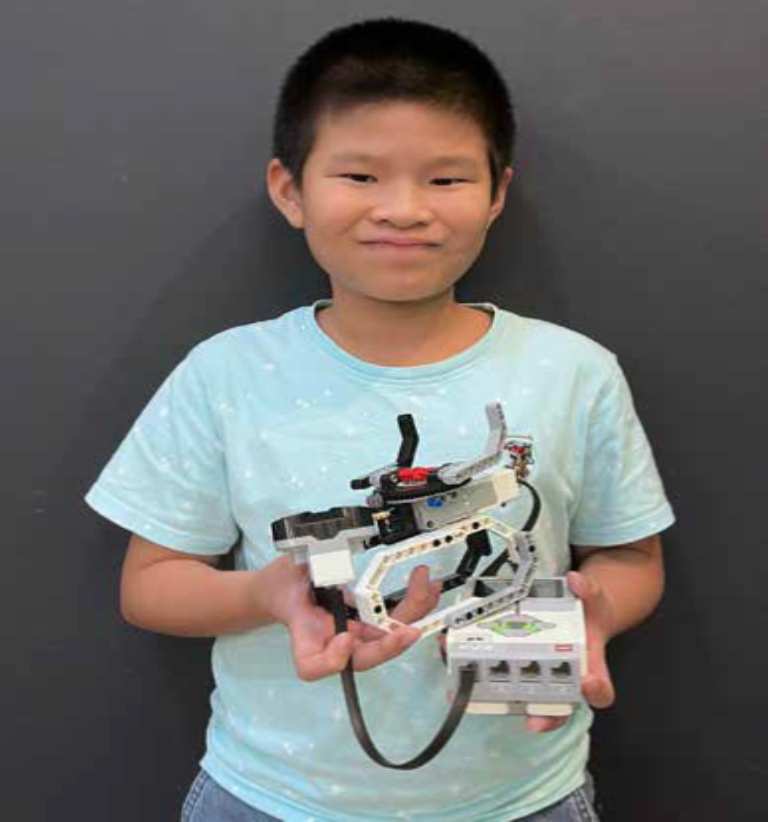
Automated rabbit head
My younger siblings loved playing with their toy rabbit head, which spins when the wind hits it. They used to manually spin and stop it, which was fun but limited. To make it more interactive and engaging, I decided to create an automated version of the toy. In this upgraded version, the rabbit head starts spinning automatically as soon as the program runs. When the ultrasonic sensor detects someone nearby—such as a child approaching—the spinning stops, and the toy returns to its original position.
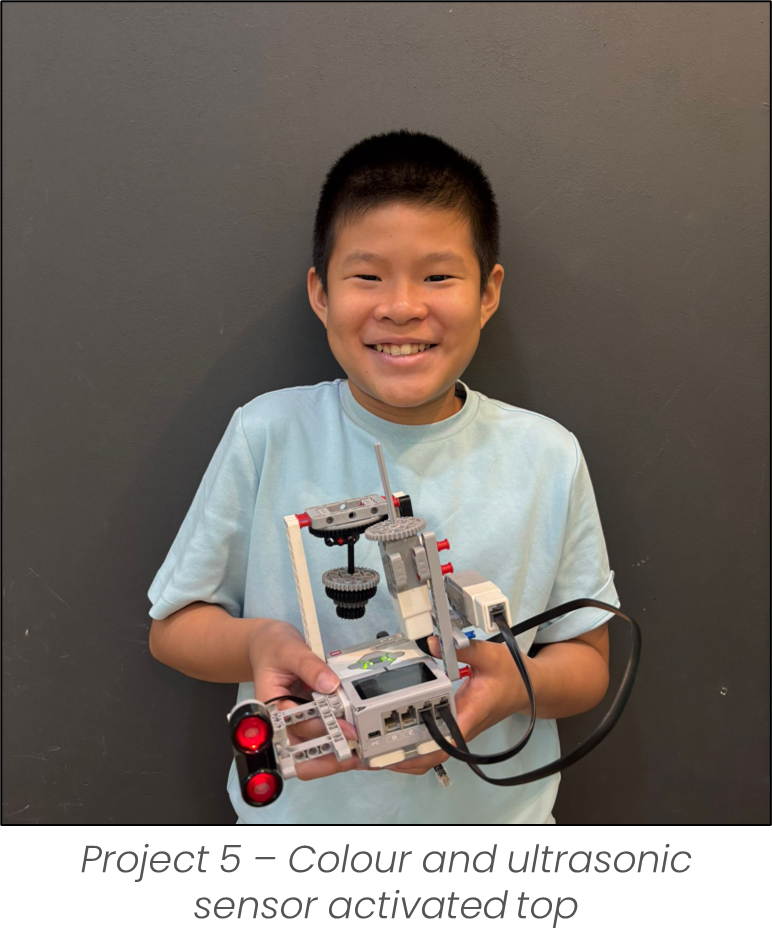
Colour and ultrasonic sensor activated top
Playing the top is my childhood game and I decided to recreate a sensor-controlled spinning top using LEGO technic parts and coded it to move when it is activated by a colour sensor. The direction it moves is controlled by the reading of the ultrasonic sensor. It is designed to enhance user engagement and ensures consistent gameplay with minimal effort needed for monitoring or control.
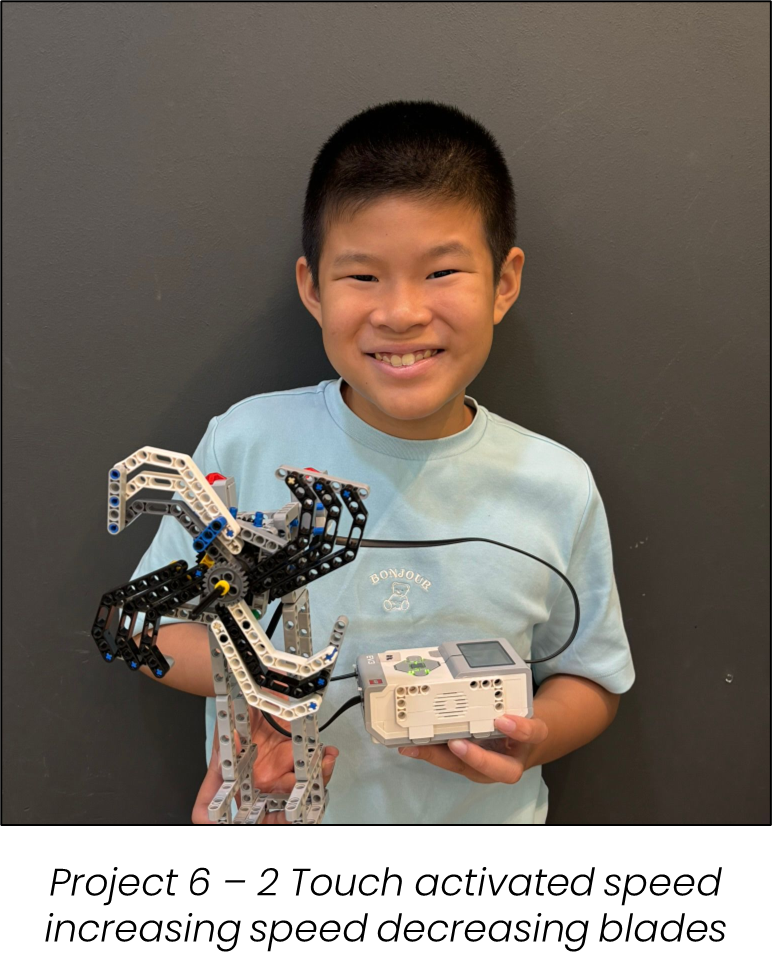
2 Touch activated speed increasing speed decreasing blades
I built a lego model of a blades that is fully automated to replicate how real fan blades would respond to inputs from sensors. Touch sensor 1 is used to increase the rotation speed while the touch sensor 2 slows it down to enhance user experience and safety.